Tools
i use Arch btw…
Everything below lives in repositories and gets deployed into
~/.config with symlinks. Nothing exotic: a tiling window
manager, one hotkey daemon, neovim and a split keyboard on its own
firmware.
bspwm window manager
Tiling with nothing extra: nine desktops, a 2-pixel border, no gaps, focus by keyboard only — the mouse doesn't steal a window just because you move the pointer across it.
##Main settings
bspc config border_width         2
bspc config window_gap           0
bspc config split_ratio          0.50
bspc config borderless_monocle   true
bspc config gapless_monocle      true
bspc config single_monocle       false
bspc config focus_follows_pointer false
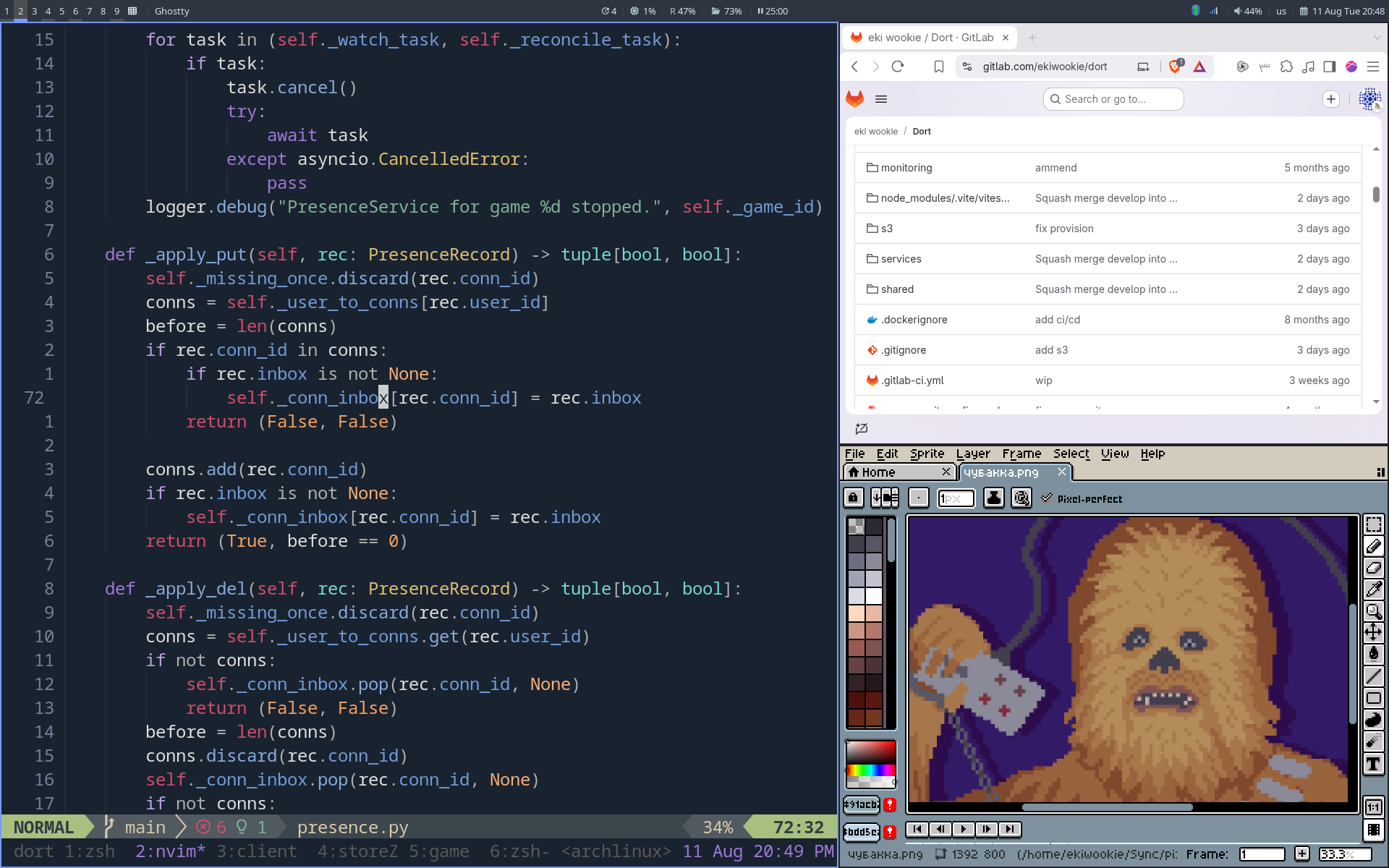
Some windows live on pinned desktops in monocle layout — no need to hunt for them, they are always where you left them:
bspc rule -a 'KeePassXC:*:*' -o desktop='^4' & bspc desktop '^4' -l monocle &
bspc rule -a 'Telegram:*:*'  -o desktop='^6' & bspc desktop '^6' -l monocle &
bspc rule -a 'signal:*:*'    -o desktop='^9' & bspc desktop '^9' -l monocle &
On a cold start (when the tree holds no windows at all) the session
brings up the browser on the first desktop and a terminal on the
second, plus the network, bluetooth and syncthing applets. The
keyboard layout is set in the same place: us,ru, switched
with Alt+Shift, and Caps Lock given
over to Ctrl.
setxkbmap -layout "us,ru" -option "grp:alt_shift_toggle,ctrl:nocaps"
sxhkd hotkeys
One daemon for every key, both window and system ones. 194 lines, half
of which are written as ranges like
super + {_,shift + }{h,j,k,l} — which is why the table
below is shorter than the config.
Windows and desktops
| super+h/j/k/l | focus left / down / up / right |
| super+shift+h/j/k/l | swap the window with its neighbour |
| super+ctrl+h/j/k/l | preselect the side for the next window |
| super+alt+h/j/k/l | grow the window by 20 px (with ctrl — shrink) |
| super+1…0 | desktop; with shift — send the window there |
| super+f / d | fullscreen / floating — both are toggles |
| super+m | next layout (tiled ↔ monocle) |
| super+g | swap the current window with the biggest one |
| super+a | cycle through the floating windows on this desktop |
| super+` | back to the previously focused window |
| super+shift+m/n | rotate the whole tree |
| super+w | close; with shift — kill |
Launching and system
| super+Return | ghostty |
| super+space | rofi drun |
| alt+Tab | rofi window switcher instead of the system one |
| super+c | rofi calculator |
| super+t |
look the selection up in goldendict (xsel straight
into the argument)
|
| super+ctrl+k | cheat sheet for the hotkeys themselves |
| super+ctrl+s | switch the audio output |
| super+alt+w | random wallpaper |
flameshot; with shift — the whole screen straight into
~/Pictures/Screenshots
|
|
| ctrl+alt+l | betterlockscreen |
| super+Escape | reload the sxhkd config |
One small thing on the side — disable paste on middle click, so a stray click doesn't drop the buffer into the text:
# disable paste clipboard on middle mouse click
~button2
    echo -n | xsel -in
neovim editor
Config in lua, lazy.nvim as the plugin manager, a five-line entry point:
require("mappings")
require("lazy-loader")
require("configs")
require("langmap")
require("autocmd")
Leader is space. Plugins: telescope with fzf-native, neo-tree, harpoon, treesitter, nvim-cmp with LuaSnip, lspconfig under mason, conform for formatting, nvim-dap with its ui and the python adapter, neotest, gitsigns, lazygit, hop, mini.nvim, snacks and noice. The colorscheme is nightfox, the statusline is lualine.
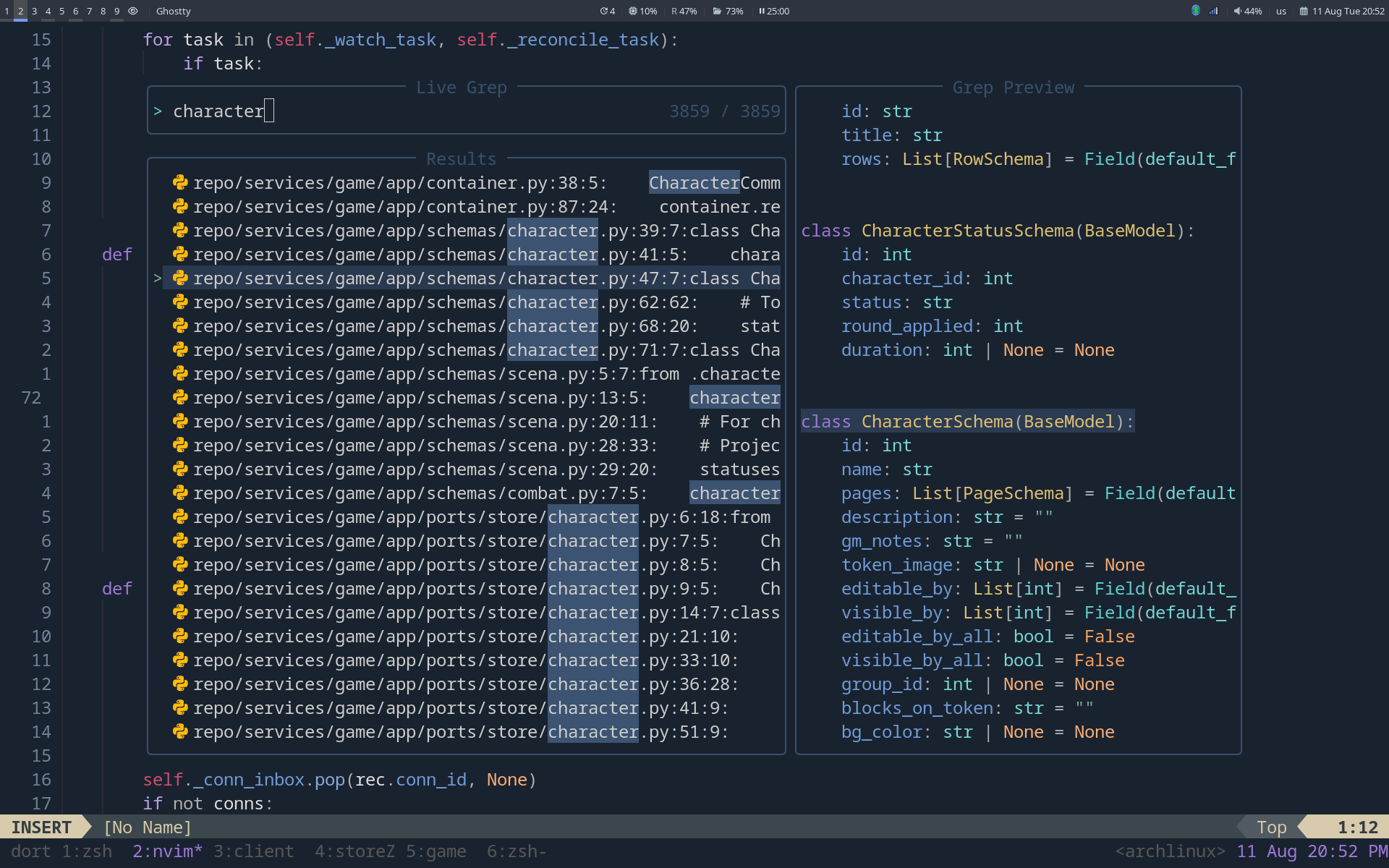
Cyrillic layout inside vim
The most useful piece here is langmap. Commands work in
Cyrillic too, so there is no need to switch the keyboard layout just
to press dd:
local en = [[`qwertyuiop[]asdfghjkl;'zxcvbnm]]
local ru = [[ёйцукенгшщзхъфывапролджэячсмить]]

vim.opt.langnoremap = true
vim.opt.langmap = vim.fn.join({ ... }, ',')
On top of that sits langmapper.nvim, which fixes plugin
hotkeys with the same trick.
Small habits baked into the fingers
| Ctrl+d / u | scroll and recenter the cursor (zz after it) |
| n / N | search, recenter and open folds (nzzzv) |
| | / \ | insert a blank line below / above without entering insert mode |
| Tab / Shift+Tab | indent in visual mode without losing the selection |
| Ctrl+j / k | move the selected lines up and down |
| leader+p | paste over a selection without clobbering the register |
| J | disabled — it fired by accident far too often |
| leader+sx | chmod +x on the current file |
A nice touch on the side: qmk.nvim is wired up for
devicetree files and formats the ZMK keymap on a 12×3+6
grid — so the keyboard from the next section is edited right here, and
the binding table aligns itself to the physical keys.
Corne split keyboard 42 keys, ZMK
A 42-key split keyboard: two halves, wireless, running ZMK. The
firmware is built by GitHub Actions straight from the config
repository — you edit corne.keymap, push, and pick the
uf2 up from the artifacts.
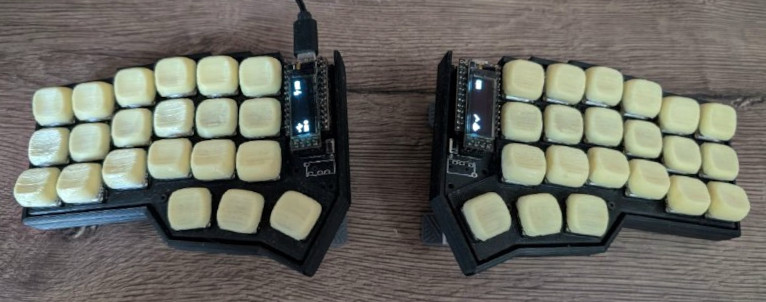
Layers
| default | the main one, all modifier weight sits on the home row |
| fn | function keys and navigation |
| numeric | digits and symbols |
| adjust | bluetooth profiles, power, housekeeping |
| worms, factorio | gaming ones: home row mods are off while playing, and a combo of the outer top-row keys brings you back |
Home row mods
The whole home row is mod-tap: tap for the letter, hold
for the modifier. The layout mirrors across the two halves: the index
finger holds shift, the middle one ctrl, the
ring finger alt and the pinky gui. So
F and J are shift, D and
K are ctrl, and so on.
quick_tap_ms = 220 is there so that repeating a letter
doesn't turn into a held Ctrl:
< { quick_tap_ms = <220>; };
&mt { quick_tap_ms = <220>; };
Combos
Brackets are not on a layer — they are pressing two neighbouring keys at once. A 50 ms window plus 125 ms of required idle time before the combo, otherwise fast typing would trigger them by accident.
combo_paren_l { bindings = <&kp LPAR>; key-positions = <26 27>; };
combo_paren_r { bindings = <&kp RPAR>; key-positions = <27 28>; };
combo_bracket_l { bindings = <&kp LBKT>; key-positions = <31 32>; };
combo_brace_l   { bindings = <&kp LBRC>; key-positions = <7 8>; };
…
COMBO_TIMEOUT      = 50 ms
COMBO_IDLE_TIMEOUT = 125 ms
Thumbs and macros
Six thumb keys, all of them layer-tap or
mod-tap: tab/numeric,
space/shift, enter/fn on the left,
esc/fn, bspc/shift,
del/numeric on the right.
Three macros survive: accent adds a stress mark to the
previous letter (combining U+0301 via
Ctrl+Shift+U), and
shiftalt fires Alt+Shift with a
single key to switch layouts in X. There are no dedicated
shift and alt keys in the keymap — both
modifiers exist only as the hold half of a mod-tap, and
pressing the two on their own, without typing anything, is awkward.
The third macro is clear: it types the terminal command
of the same name and then hits Enter. The command is
frequent enough that typing it by hand a dozen times a day got old.
The display and layer status are on, RGB is not, sleep is disabled:
CONFIG_ZMK_DISPLAY=y, CONFIG_ZMK_SLEEP=n.